IPTV Setup Guide for Beginners — Zero to Watching in 5 Minutes

To set up IPTV, you need three things: a subscription from an IPTV provider, a compatible streaming device, and an IPTV player app. Enter your provider's login credentials into the player app, and you'll have access to live channels within minutes. No cable box or dish required.
What Is IPTV? (60-Second Explanation)
IPTV stands for Internet Protocol Television. Instead of receiving TV through cable or satellite, you get it through your internet connection — like Netflix, but for live TV. You open an app, pick a channel, and watch.
The key difference from Netflix: IPTV gives you live channels — the same channels you'd see on cable, including sports, news, and entertainment from around the world. PLIMA4K carries 10,000+ live channels plus VOD content.
What You Need
Ready to Start Streaming?
50,000+ live channels, 200,000+ movies & series, 4K quality. From just $6.25/month — activation in under 5 minutes.
View Plans1. Internet Connection (25+ Mbps)
Minimum 15 Mbps for HD, 25 Mbps for 4K. The average US broadband speed in 2025 was 245 Mbps (per Ookla data), so most connections work fine. Quick check: Google "speed test" and run it.
2. A Streaming Device
- Amazon Fire TV Stick 4K Max (~$35) — easiest for beginners, widest app selection
- Smart TV (Samsung, LG from 2020+) — can run IPTV apps directly
- Apple TV 4K (~$130) — great for Apple ecosystem users
- Android phone/tablet — works for smaller screens
- Computer (Windows/Mac) — using VLC or web player
3. An IPTV Subscription
When you subscribe, you receive either:
- Xtream Codes: Server URL + username + password (preferred — enables EPG and catch-up)
- M3U URL: A single link containing your channel list
PLIMA4K sends both formats within minutes of subscribing at plima4k.com.
Step-by-Step Setup — Fire TV Stick
Step 1: Plug In
Connect the Fire Stick to your TV's HDMI port. Use the included power adapter (not the TV's USB port — often insufficient). Switch TV to the correct HDMI input.
Step 2: Enable Unknown Sources
Go to Settings → My Fire TV → Developer Options → Install Unknown Apps → On. This lets you install IPTV player apps not in Amazon's store.
Step 3: Install an IPTV Player
TiviMate (Recommended): Best EPG interface, fastest channel switching.
- Open Amazon App Store → search "TiviMate" → install
- Open TiviMate → "Add Playlist"
- Choose "Xtream Codes" → enter server URL, username, password
- Wait for channels to load (30 seconds to 2 minutes)
IPTV Smarters Pro: Cable-TV-style interface, good alternative.
OTT Navigator: Maximum customization of channel groups.
Step 4: Configure the EPG
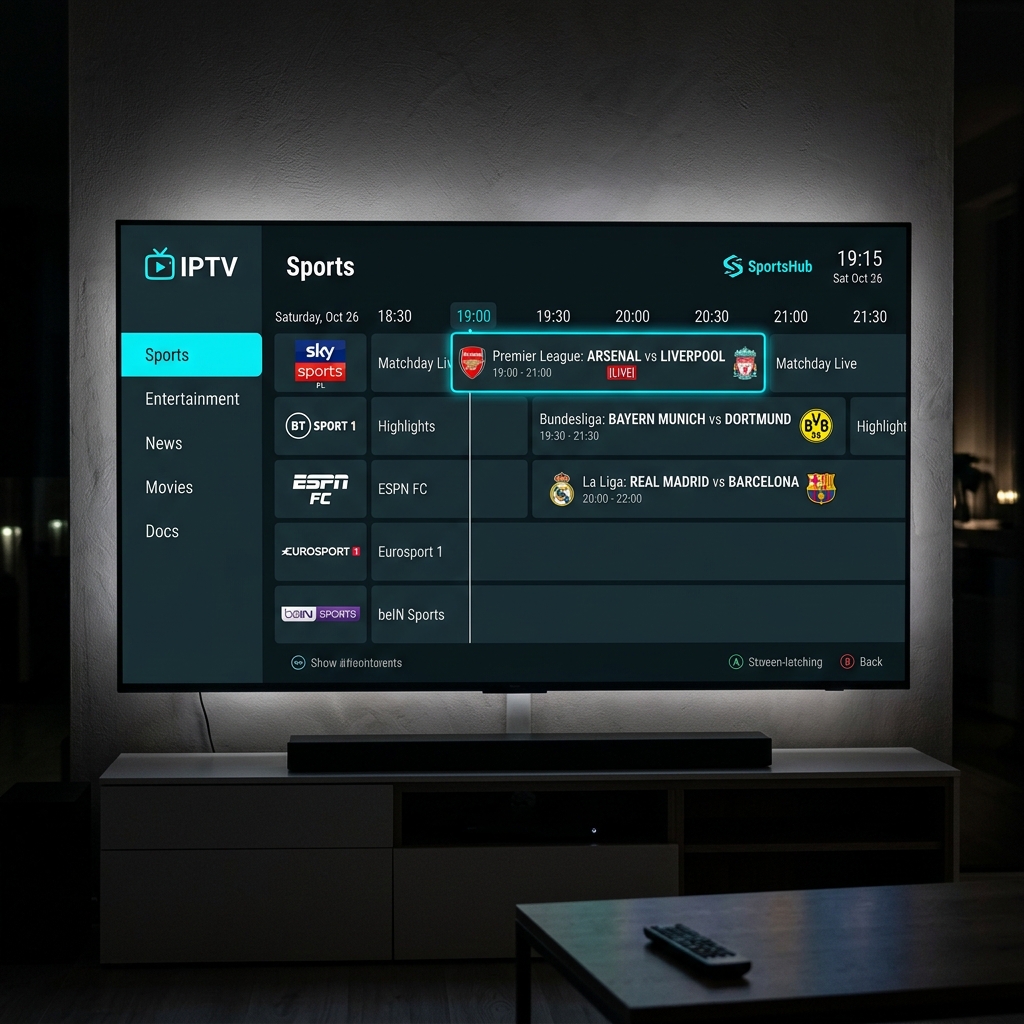
The EPG shows what's currently playing on each channel. In TiviMate: Settings → EPG → set update interval to 12 hours → hit "Update." Program names and times appear next to channels.
Step 5: Start Watching
Navigate to Sports → Football for World Cup. Channels should load within 2–5 seconds.
Setup on Other Devices
Samsung / LG Smart TV
Open app store → search "IPTV Smarters" → install → enter Xtream Codes credentials. TiviMate not available on Tizen/webOS.
Apple TV 4K
App Store → "IPTV Smarters" or "iPlayTV" → install → enter credentials.
Computer
Download VLC Media Player → Media → Open Network Stream → paste M3U URL. Channels load as a playlist.
Troubleshooting Common Issues
Channels Won't Load
Cause: Usually a typo in credentials. Fix: Double-check server URL, username, password. The most common mistake is a trailing space when copy-pasting. Verify URL starts with http:// not https://.
Buffering / Spinning Wheel
Fix: Run a speed test — if under 25 Mbps, switch to wired Ethernet. Use 5 GHz Wi-Fi instead of 2.4 GHz. In TiviMate: Settings → Playback → Buffer Size → set to 2–3 seconds.
Video Plays but No Sound
Fix: Switch audio decoder from "Hardware" to "Software" in player settings.
EPG Shows Wrong Times
Fix: TiviMate → Settings → EPG → Time Shift → adjust offset to your local time zone.
App Crashes on Channel Switch
Fix: Close background apps. Fire Stick: Settings → Applications → Manage → Force Stop unused apps.
Frequently Asked Questions
Do I need a special device for IPTV?
No. Works on devices you already own — Fire Stick, smart TV, Apple TV, phone, tablet, or computer. Fire TV Stick 4K Max (~$35) is the most popular dedicated choice.
What's the difference between M3U and Xtream Codes?
M3U is a playlist URL. Xtream Codes is a login system (server + username + password) that enables EPG, catch-up, and better channel organization. Use Xtream Codes when supported.
Is IPTV hard to set up?
No. The actual setup takes 3–5 minutes — simpler than setting up a cable box, which requires a technician visit.
What happens if my internet goes down during a match?
The stream stops and resumes when internet reconnects. Catch-up replay lets you restart from the beginning. A wired connection reduces drop risk.
Ready to Start Streaming?
50,000+ live channels, 200,000+ movies & series, 4K quality. From just $6.25/month — activation in under 5 minutes.
View Plans